PHANTOM / ENCRYPTED PIXEL PHONES
Encrypted.
For what matters.
Your sources. Your conversations. Your private life. Protect the information you carry with a Google Pixel prepared with GrapheneOS.
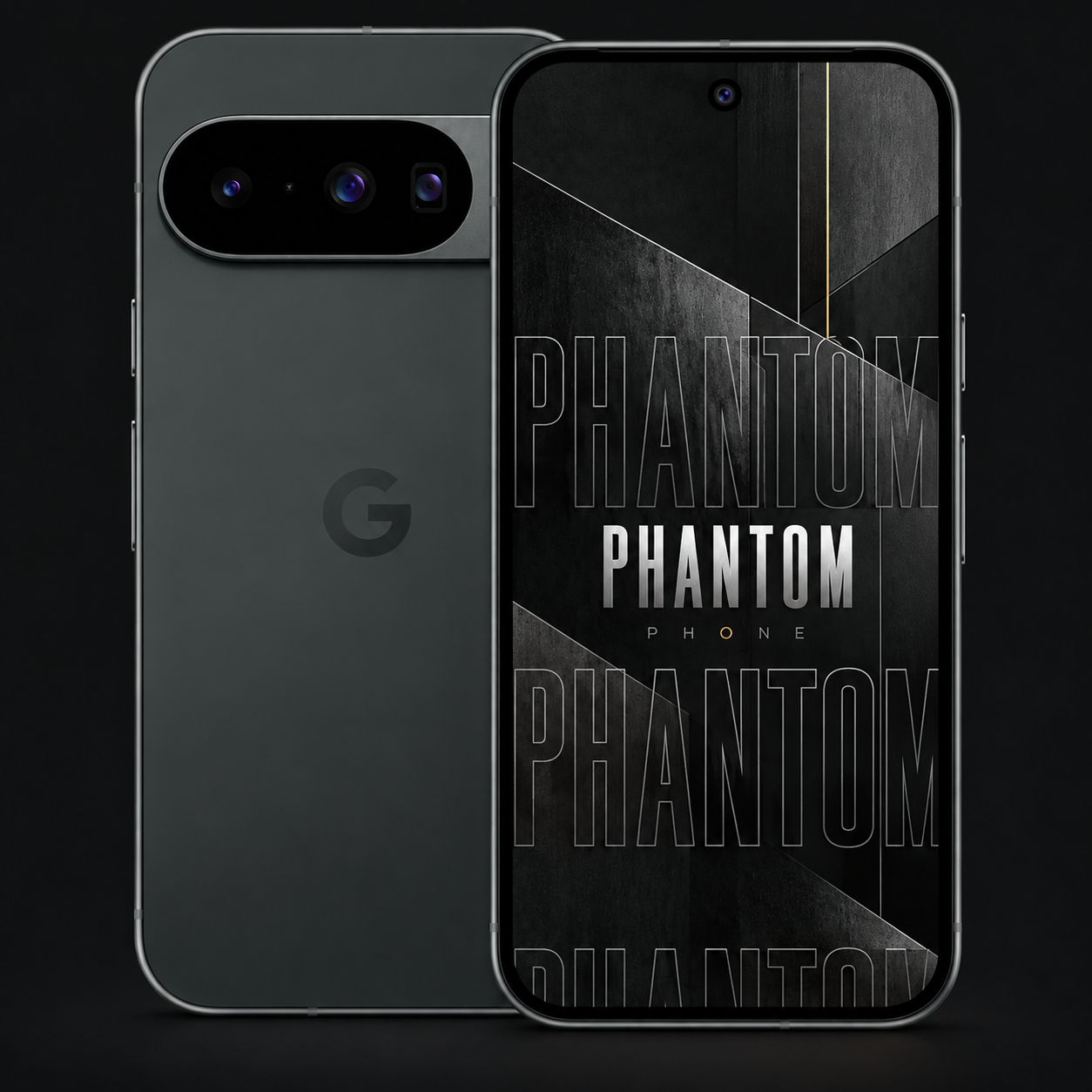
PIXEL 10 / PHANTOM TYPE / PRODUCT MOCKUP
PROTECTION WITH A PURPOSE
Some things
are yours to keep.
An interview that has not been published. A confidential client conversation. A photograph with a story behind it. Phantom is for people who want a more deliberate approach to the information on their phone. Start with encrypted storage and a hardened operating system. Add the apps, permissions and habits that fit your life.
01 / ENCRYPTED AT REST
Your phone holds it.
Encryption protects it.
Taking a phone should not mean opening the life inside it. GrapheneOS uses hardware-backed, file-based encryption to protect stored data. A strong unlock credential helps protect the keys needed to access your private information.
Encrypted storage protects data at rest. An unlocked or compromised device is a different situation, which is why your passphrase, updates and device state matter.
YOUR INFORMATION
01 / Source notes
02 / Interview audio
03 / Personal files
↓
ENCRYPTED STORAGE
7F 2A 91 C4
B8 06 D3 5E
Protected by encryption keys
Illustration of data at rest, not a live encryption tool.
02 / DURESS PIN & PASSWORD
A separate code.
A decisive response.
Prepare for the possibility of coercion. GrapheneOS lets you configure a separate duress PIN and password. Entering the matching duress credential at a device-credential prompt triggers an irreversible wipe.
This deletes data; it does not send an emergency alert. It does not erase copies already held elsewhere. Accidental use cannot be undone. Plan and understand the feature before relying on it.
AT A DEVICE CREDENTIAL PROMPT
Two credentials.
Two different outcomes.
••••••
Normal unlock
Your usual PIN or password unlocks the device.
••••••
Configured duress code
Triggers an irreversible device wipe, including installed eSIMs.
Concept diagram. No real PIN fields or wipe controls.
Protection is
more than a password.
Meaningful controls, built into the operating system. Choose the settings that match your work and how you use your phone.
01
Automatic reboot
After a configured period without an unlock, auto reboot puts the device back into its before-first-unlock state.
02
App-level network control
Choose which apps can access the network. Give an app the connection it needs, or keep it offline.
03
Separate user profiles
Keep different contexts in separate profiles, with their own app data and encryption keys.
04
A hardened foundation
GrapheneOS adds exploit mitigations and tighter sandboxing to reduce opportunities for compromise.
BUILT AROUND WHAT YOU CARRY
Your business.
Your next destination.
Your private life.
For business beyond the office
A client call between flights. A contract to review at the hotel. Plans for your next meeting. When business takes you places, your phone carries more than an itinerary. Phantom brings encrypted storage and control over app permissions to the information you take with you.
Keep work and personal apps in separate profiles. Use an end-to-end encrypted messenger for sensitive conversations, and carry only the files you need for the trip.
Professionals & private individuals
Client records. Business plans. Family conversations. You do not need a public profile to care who can access your information. Choose encrypted storage, more intentional app permissions and a phone you configure around your priorities.
THE PHANTOM COLLECTION
Choose the hardware.
Keep the principles.
Every model below pairs Pixel hardware with GrapheneOS and the Phantom Type wallpaper. Compare the model, price and remaining support window before deciding.
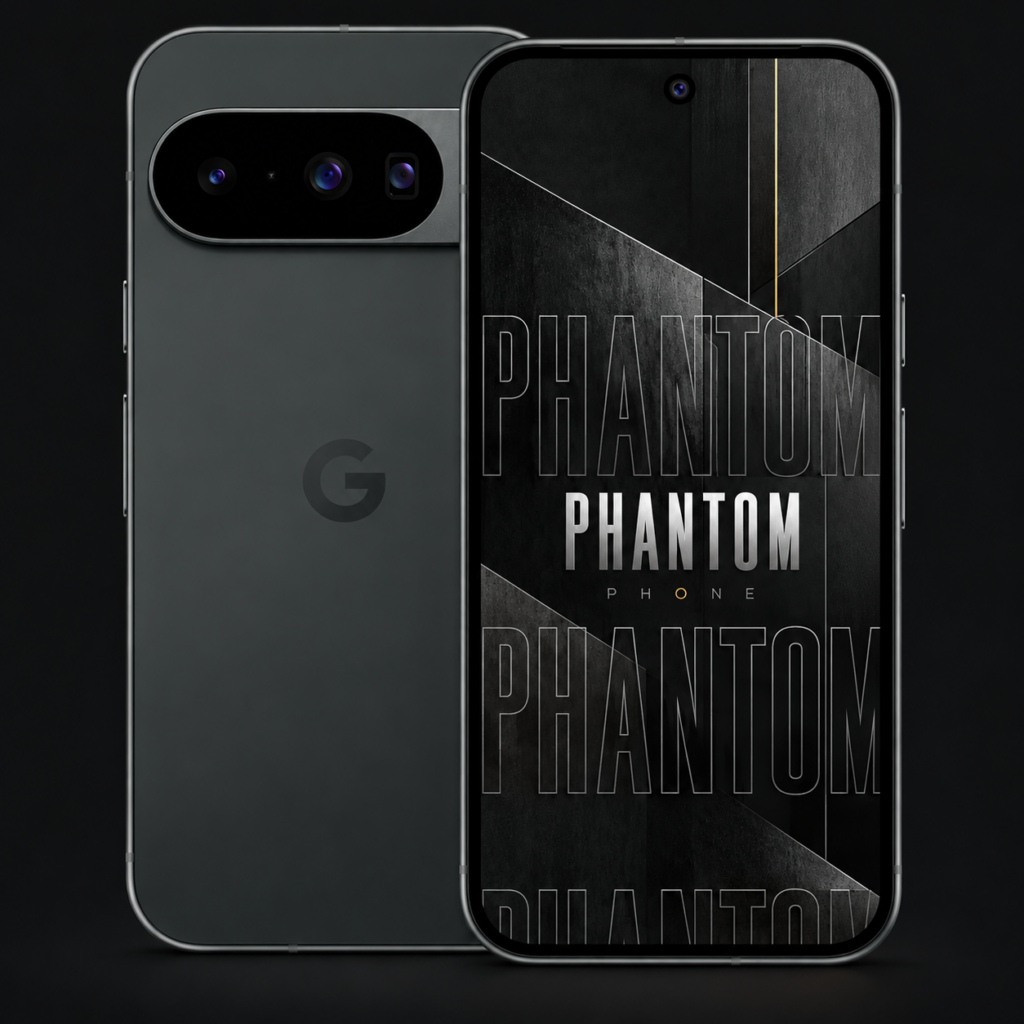
Phantom Pixel 10
$1,300 CAD
Refurbished · 256 GB · Black. Fully set up with GrapheneOS and optimized security features.
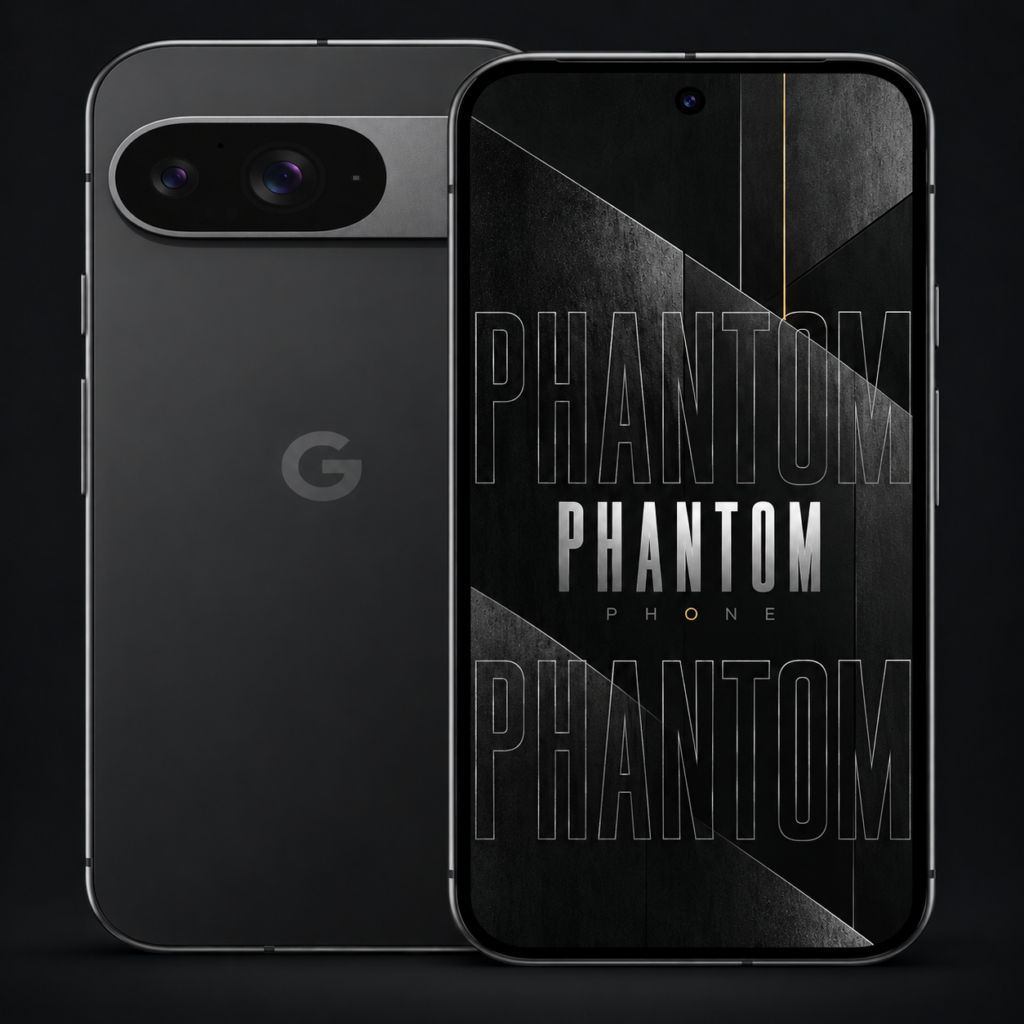
Phantom Pixel 9
$1,100 CAD
Refurbished · 256 GB · Black. Fully set up with GrapheneOS and optimized security features.
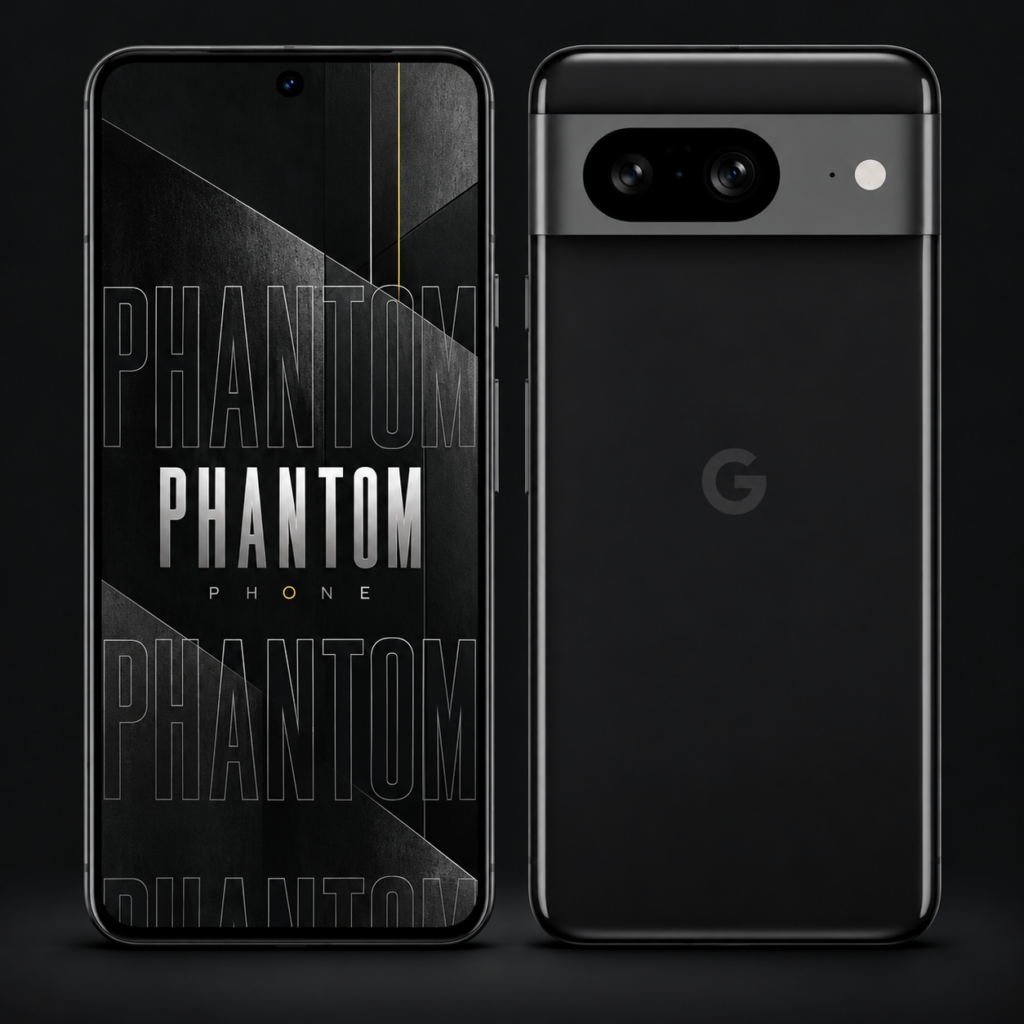
Phantom Pixel 8
$900 CAD
Refurbished · 256 GB · Black. Fully set up with GrapheneOS and optimized security features.
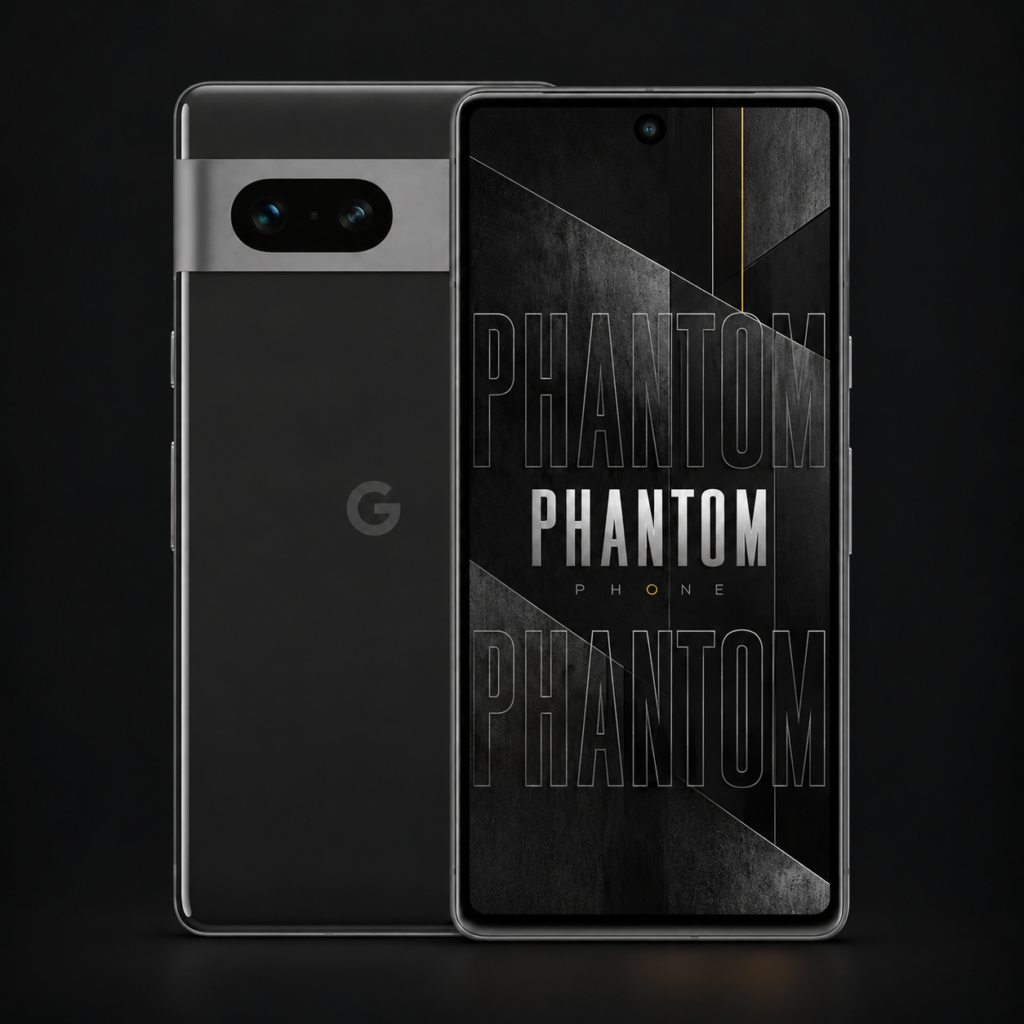
Phantom Pixel 7
$700 CAD
Refurbished · 256 GB · Black. Fully set up with GrapheneOS and optimized security features.
Refurbished. 256 GB storage. Black finish. Contact us for cosmetic condition and included accessories.
View all phonesYour next phone.
Your questions, answered.
Why choose a Phantom phone?
Get the Pixel you want with GrapheneOS already installed. Phantom brings encrypted storage, a hardened operating system and powerful privacy controls to familiar hardware, without making the operating-system installation your project. Choose your model; we handle the installation.
Do I need technical experience to get started?
No experience installing an operating system is needed. We take care of the GrapheneOS installation. You make the personal choices: your unlock credential, accounts, apps and privacy settings. Your passwords and personal data stay yours to set up.
What is included with my Phantom?
Your chosen refurbished Google Pixel, GrapheneOS installation and our Phantom Type wallpaper. The value is a prepared handset that saves you the time and work of installing the operating system. All listed phones are refurbished, with 256 GB storage and a black finish. Contact us to confirm cosmetic condition and included accessories before ordering.
How does Phantom help protect my private information?
Encrypted storage helps protect the files you carry. GrapheneOS adds a hardened operating system, app-level network permissions and separate user profiles, giving you more control over your information. Set a strong unlock credential and keep your phone updated to make the most of those protections.
Can I use everyday apps and encrypted messaging?
Yes. Many Android apps work on GrapheneOS, including encrypted messengers such as Signal. Optional sandboxed Google Play supports apps that rely on Google services. You can build your everyday setup around the apps you need; check compatibility for any essential banking, work or payment apps before choosing your phone.
Can I set a distress code?
Yes. GrapheneOS supports a separate duress PIN and password that you configure yourself. Using the matching duress credential at a device-credential prompt triggers an irreversible device wipe, including installed eSIMs. It gives you an additional option to plan for coercion; understand the wipe before enabling it.
Which Phantom should I choose?
Every Phantom combines Pixel hardware with GrapheneOS. Choose around the performance, camera, budget and remaining software-support window that suit you. Start with the Pixel 10 featured above, or compare the full collection to find your fit.